LangChain
Connect Praxis to LangChain: swap the baseURL in ChatOpenAI, keep your chains running.
Connect Praxis to LangChain (JS/TS)—chains, memory, and the whole toolkit work as usual; the model side changes one baseURL. This page is verified against Node.
Every step lists its expected result: follow along yourself, or hand this page to an AI assistant that can operate your computer and let it do the install, run, and verification for you.
What you'll accomplish
- Call Praxis models with LangChain's
ChatOpenAIand get replies plus usage - Done when:
hello.mjsprints a reply with usage, andstream.mjsprints token by token - Time needed: 3–5 minutes (excluding the Node.js install)
- Protocol: OpenAI-compatible (
/openai/v1)
Prerequisites
Confirm each item before you start:
-
A Praxis API key (starting with
sk-praxis-). If you don't have one, create it at Console → API Keys: click "Create Key"—the name is required, validity offers 30/60/90 days or permanent, defaulting to 90 days; the success dialog shows the full key with a "Copy Key" button, and after it closes the list shows only a masked value—re-copy the full key any time from the copy icon on its row. Expected: a "Create API Key" dialog appears, and after submitting, a dialog shows the full key with a "Copy Key" button. New accounts ship with $1 of free credit. See Quickstart for the full flow. -
Node.js 18 or newer (check
node --version; Bun works too). -
Install the SDK:
npm install @langchain/openaiExpected: the install succeeds. An empty directory works—npm generates package.json, package-lock.json, and node_modules there; run
npm install langchainwhen you need chains, prompt templates, or output parsers.
First request
Put the key in an environment variable first (export PRAXIS_API_KEY=sk-praxis-…; PowerShell: $env:PRAXIS_API_KEY="…"), then create hello.mjs:
import { ChatOpenAI } from "@langchain/openai";

const model = new ChatOpenAI({
  model: "deepseek-flash",
  configuration: {
    baseURL: "https://api.deepraxis.com/openai/v1",
    apiKey: process.env.PRAXIS_API_KEY,
  },
});

const res = await model.invoke("Introduce yourself in one sentence");
console.log(res.content);
console.log(res.usage_metadata);
Run it:
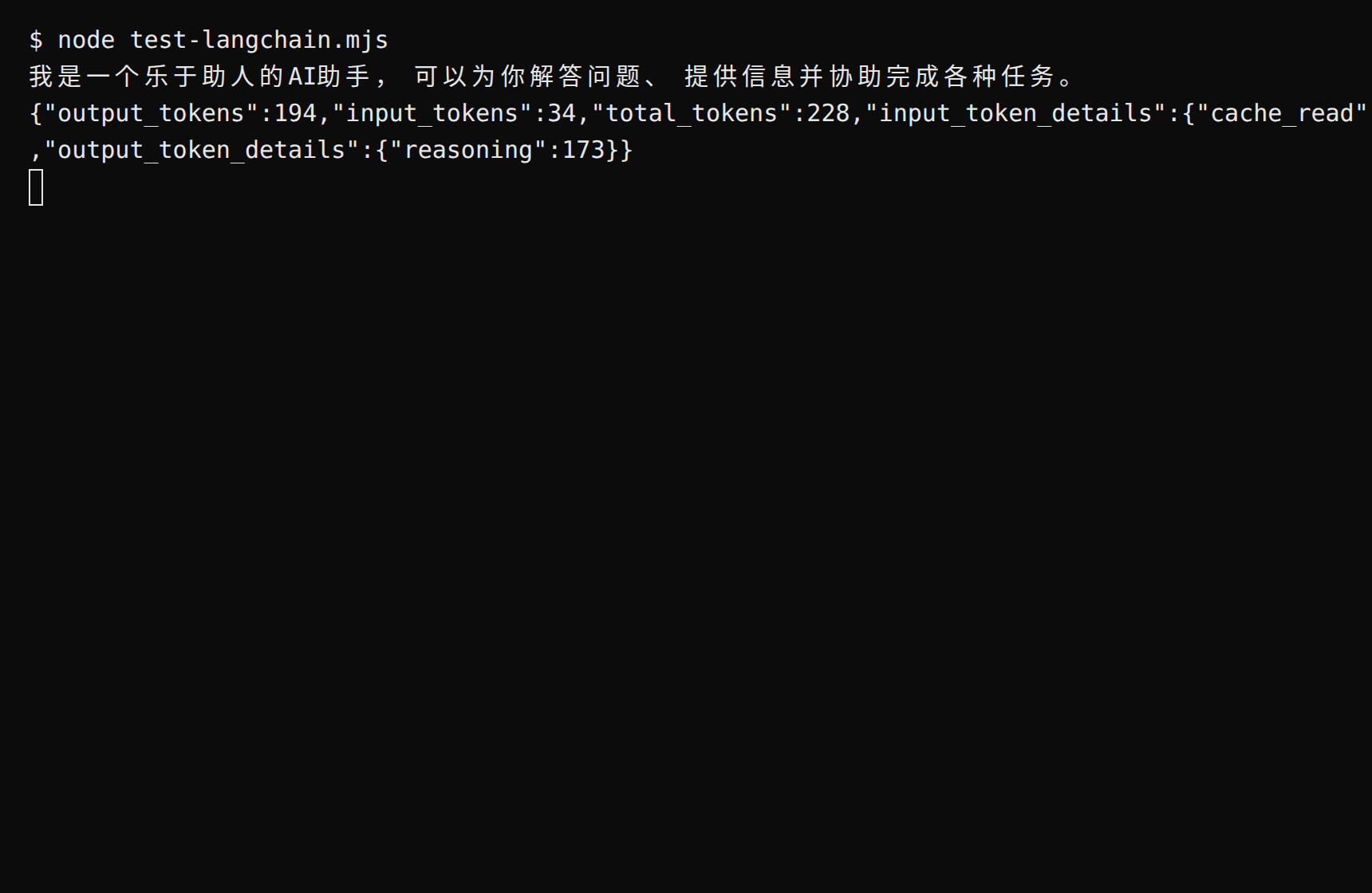
node hello.mjsExpected: a reply prints, followed by the usage object (input_tokens / output_tokens / total_tokens; the reasoning token count sits at output_token_details.reasoning). Note the difference from the official OpenAI SDK: the URL and key live inside the nested configuration object, not at the top level.
Streaming
Create stream.mjs:
import { ChatOpenAI } from "@langchain/openai";

const model = new ChatOpenAI({
  model: "deepseek-flash",
  configuration: {
    baseURL: "https://api.deepraxis.com/openai/v1",
    apiKey: process.env.PRAXIS_API_KEY,
  },
});

const stream = await model.stream("Explain what an API is in two sentences");
for await (const chunk of stream) {
  process.stdout.write(chunk.content);
}
console.log();
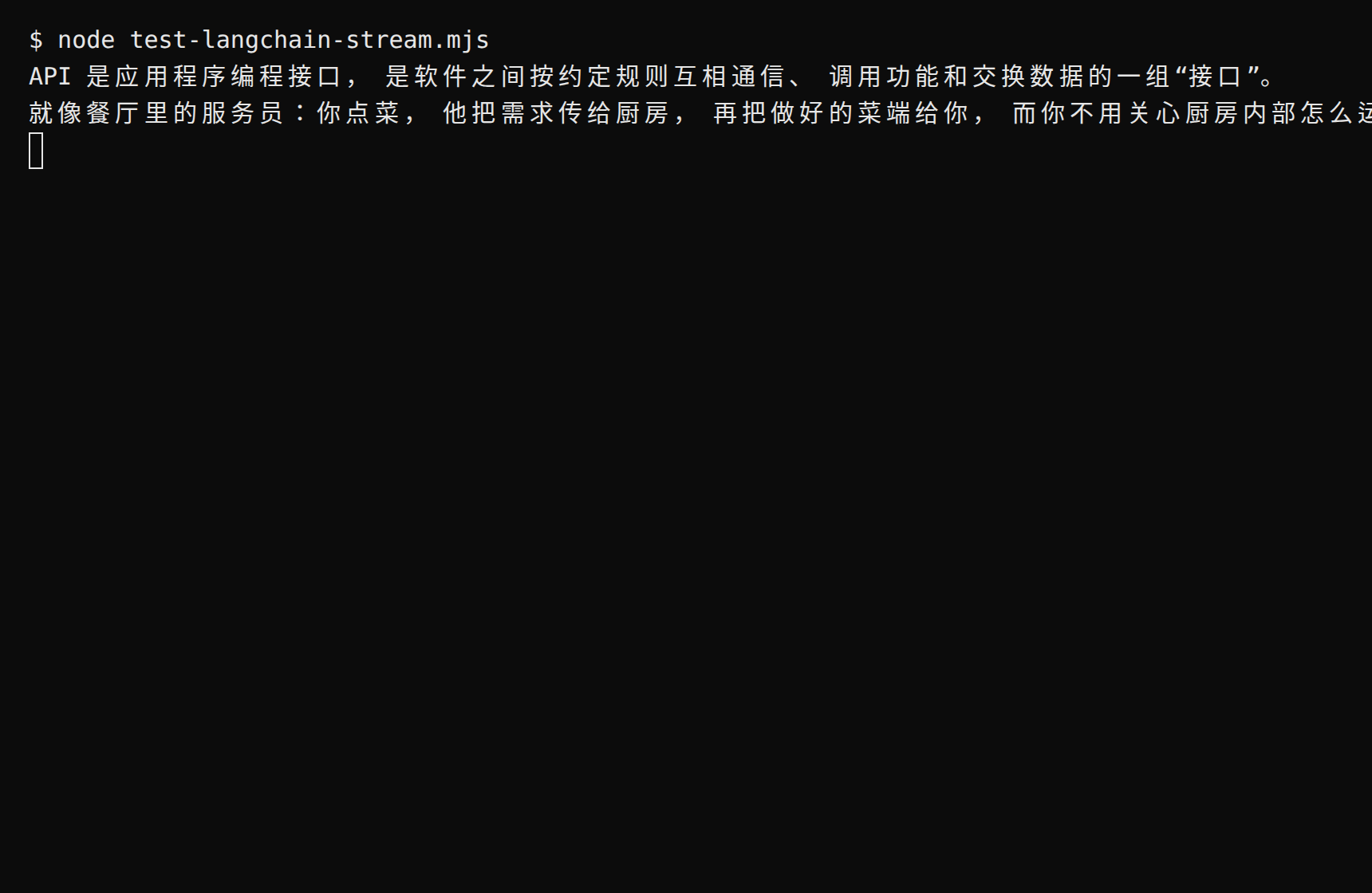
Expected: the reply prints token by token, ending with a newline. Streaming support varies by model and its upstream channel; some aren't enabled yet—drop streaming or switch models and retry.
FAQ
| Symptom | Cause | Fix |
|---|---|---|
| 401 / invalid token | Key copied incompletely or missing from the environment | Copy it again in full (mind the sk-praxis- prefix); check with echo $env:PRAXIS_API_KEY |
| 404 / path not found | baseURL is missing the /openai/v1 suffix | It must be https://api.deepraxis.com/openai/v1 (ending with /v1) |
| Config has no effect | The URL was written at the top level instead of inside configuration | Move it into configuration: { baseURL, apiKey } |
400 STREAMING_UNPROVEN | That model isn't streaming-enabled yet | Use invoke, or retry with another model |
| "Model not found" | Model ID doesn't match the catalog | Copy the exact ID from Console → Models → Model Catalog |
Advanced
- Chaining:
model.pipe(...)plus prompt templates and output parsers makes a chain—no extra Praxis-side configuration needed - What did that call cost? LangChain usage carries no price; the OpenAI SDK path returns it directly in
usage.cost, or see Console → Usage & Billing - Switch models: change the
modelfield;deepseek-flashalways points at the latest Flash generation
Related recipes
- OpenAI SDK · Anthropic SDK · Vercel AI SDK
- Rather not write code? See Cherry Studio · Claude Code